Turn on registration lock
Registration Lock adds an additional layer of protection against someone attempting to register your Signal account on another device.

Privacy Toolkit · Step 2

Signal is a private messaging app for texts, voice calls, video calls, and group conversations. Your conversations are end-to-end encrypted by default, with no ads and no trackers.
Why use Signal?
Most of us send an enormous amount of information through messaging apps. Text messages are not actually private.
Even if an app claims to be secure, many mainstream services scan your messages for advertising profiles, sell your metadata (like who you talk to and when), or hand over your data to third parties upon request. Your conversations often become fuel for targeted ads or data for corporate databases.
With Signal, your conversations are private. Messages and calls between Signal users are protected with end-to-end encryption, which means the contents are intended to be readable only by the people communicating.
Signal also doesn't rely on advertising or behavioral tracking to pay for the service. It is operated by an independent nonprofit organization and supported by grants and donations.
How to install Signal
Signal Desktop is linked to Signal on your phone, so install and set up the mobile app first.
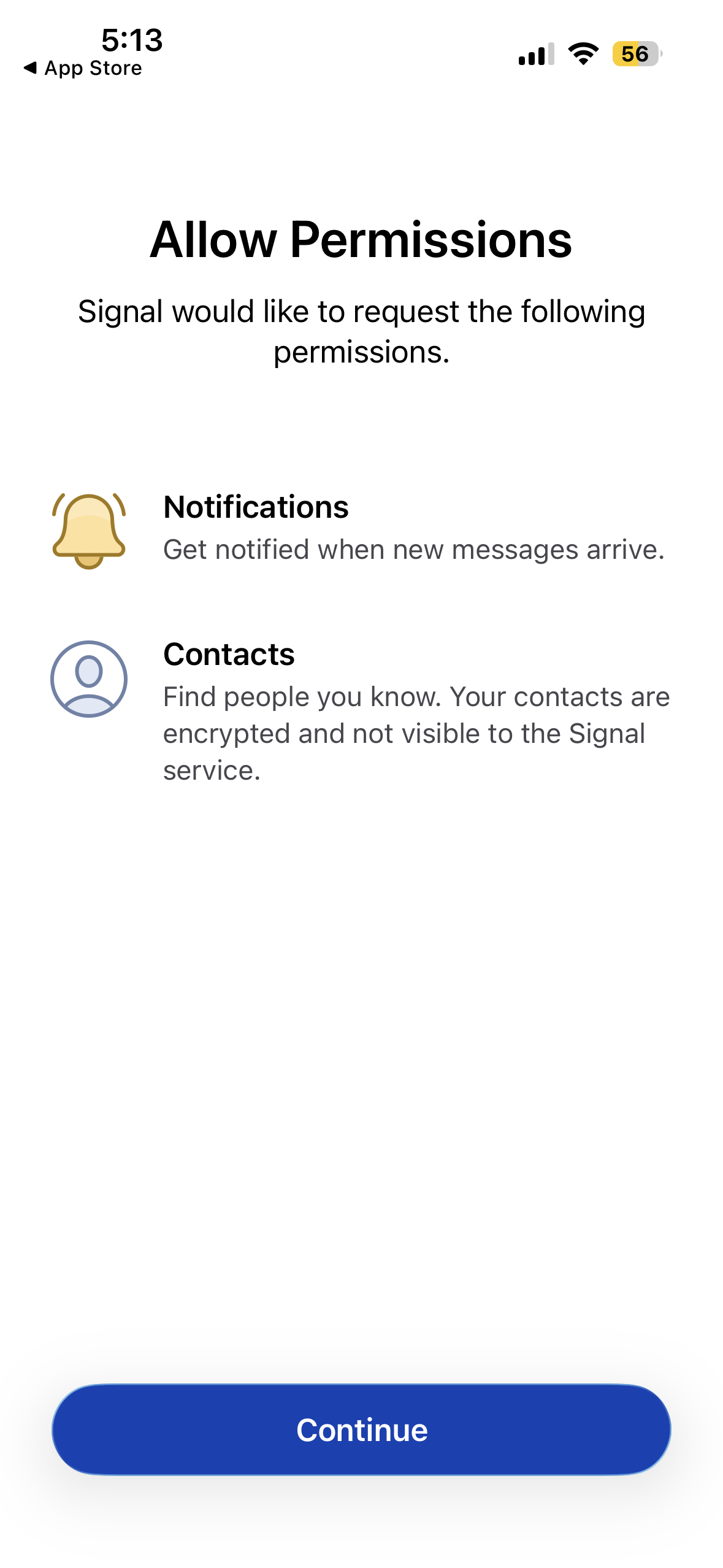
Download Signal from the official app store on your Android phone or iPhone.
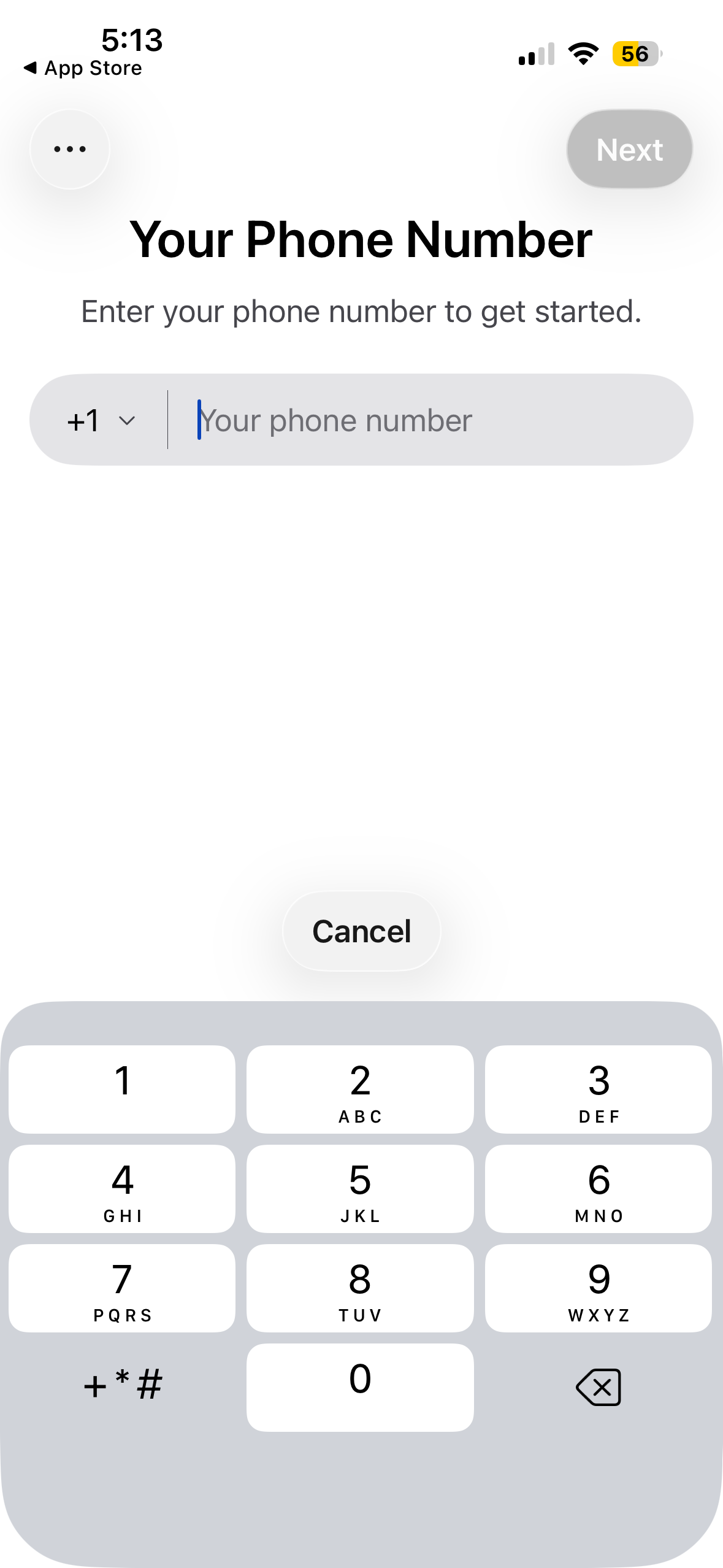
Go to the official Signal download page →Open Signal and follow the instructions to register your phone number. Signal uses your phone number as your account identifier.
You can then create a Signal username so people can connect with you without necessarily sharing your phone number with them.
If you want Signal on your computer, download Signal Desktop for Mac, Windows, or Linux.
Download Signal Desktop →Open Signal Desktop. It will display a QR code. On your phone, open Signal's settings and choose Linked devices.
Scan the QR code shown on your computer to connect the two devices.
Your phone must have Signal installed and working before you can use Signal Desktop.
Our recommended starting settings
One of Signal's advantages is that the important privacy protection is built into the app rather than requiring a complicated collection of settings.
Registration Lock adds an additional layer of protection against someone attempting to register your Signal account on another device.
Signal can automatically delete messages after a period of time you choose. This can be useful for conversations that don't need to become a permanent record.
Take a minute to review who can see your phone number, who can find you by your phone number, and whether read receipts and typing indicators are right for you.
Messaging apps won't work if your friends don't use them too. Share this page with them so that they can set up Signal and you can start chatting!
Share this page

